
Client portal development.
If you’re sending course links, documents or updates to clients individually, a portal gives you one place to manage access. Your clients can sign in to find their material, while you control content and permissions without resending the same information each time.
Is this the right fit?
A portal can sit alongside your public website: the website explains the offer, while the portal gives customers access after they sign in.
- You teach courses and want customers to access video lessons in one place
- Your clients need a private area for documents, resources or project updates
- You run a membership service with different levels of access
- Your team needs to manage customer access without sending individual links
What you receive.
Your proposal confirms the work included.
Requirements and access rules
Agree roles, content access and customer and staff tasks.
Customer and admin designs
Review sign-in, content and administration screens.
Portal development
Build the customer area, admin tools and permissions.
Content and integrations
Connect agreed content, video or payment providers.
Testing and release
Check enrolment, access and content journeys before release.
Handover
Provide agreed source access, admin guidance and operating documentation.
What your portal needs to do.
How do I create a portal for my business?
List what customers need to access, how they receive permission and what your team must manage. A first release might need accounts, a resource library and an admin area. We use those tasks to agree the scope and choose an approach.
Courses, video lessons and memberships
For example, a dance teacher could organise video lessons by level and give learners access to purchased courses. We can scope enrolment, lesson management, captions, downloads or progress tracking. This is a possible use case, not a completed client project.
Accounts, access and payments
We define customer and admin roles, sign-in and recovery, invitations and access expiry. If purchases or subscriptions control access, we map successful payments, failed renewals, cancellations and refunds. Permissions are checked by the application, not just by hiding links.
Video hosting and platform choice
An existing course platform may be enough for standard lessons and member access. Custom development suits more specific workflows or integrations. We compare setup costs, video delivery, provider fees and maintenance. Access controls can restrict viewing but cannot prevent every recording or copy.
The practical details.
Cost and timing
Workflows, data and integrations determine the estimate. We agree scope, price and delivery stages first; uncertain requirements may need a separate discovery phase.
Your involvement
You explain the process, provide agreed access and review the work. We agree who approves decisions and what the finished system must do.
Ownership and aftercare
The agreement records ownership and third-party licences. Handover includes agreed source access, production accounts and operating guidance.
Hosting and ongoing support
We agree hosting, provider costs, updates and support responsibilities. Response arrangements and included work are recorded; further features are quoted separately.
Dwellytics
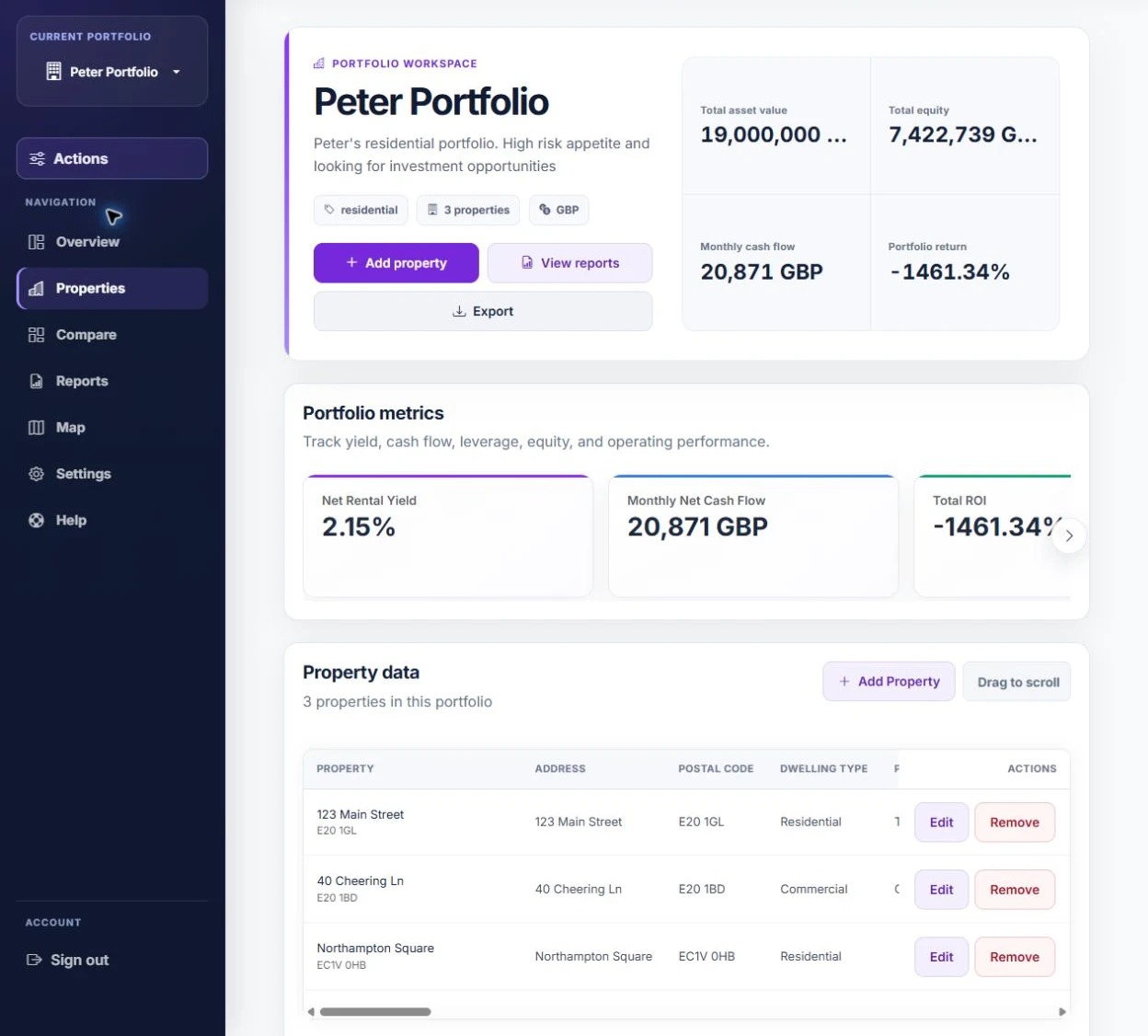
Our website and web application work for a property analytics client includes accounts, portfolio workflows and subscriptions. It demonstrates our application development work; it is not a course portal project.
Read the case studyCommon questions.
Can you add a client portal to my existing website?
Yes, subject to reviewing the site and accounts. The portal can be a separate application linked from your website. Shared sign-in and existing customer data need a feasibility check.
Can customers watch dance lessons or other course videos?
Yes. We can organise lessons and restrict access to enrolled customers. Uploading, video hosting, mobile playback and any progress tracking are agreed in the scope.
How much does a client portal cost?
Cost depends on roles, content, payments, integrations and administration. We define the first release before quoting and identify hosting, video delivery and provider fees separately.
Do customers need to download an app?
No. A browser-based portal opens through a link on a phone, tablet or computer. An App Store or Google Play app is a separate project.
Can I manage lessons and customer access myself?
We can build admin controls for agreed tasks such as organising lessons and enrolling customers. The scope identifies permissions, guidance and training.
Will a custom portal stop people sharing my videos?
Permissions and access-controlled delivery restrict who can open content. They cannot guarantee an authorised viewer will never record or share it.
What happens after the portal launches?
We agree who operates hosting, pays providers and handles updates and support. Handover includes agreed account access and administration guidance; future features are scoped separately.